
Globe Rejecting My Driving Licence for SIM Registration
If you’re in the process of registering your Globe SIM but find that your driving license is being rejected, it can be quite frustrating. After all, the driving license is one of the most commonly accepted forms of government-issued ID for SIM registration in the Philippines. In this guide, we’ll go over the common reasons why Globe might be rejecting your driving license, how to fix it, and provide solutions to ensure your registration goes smoothly.
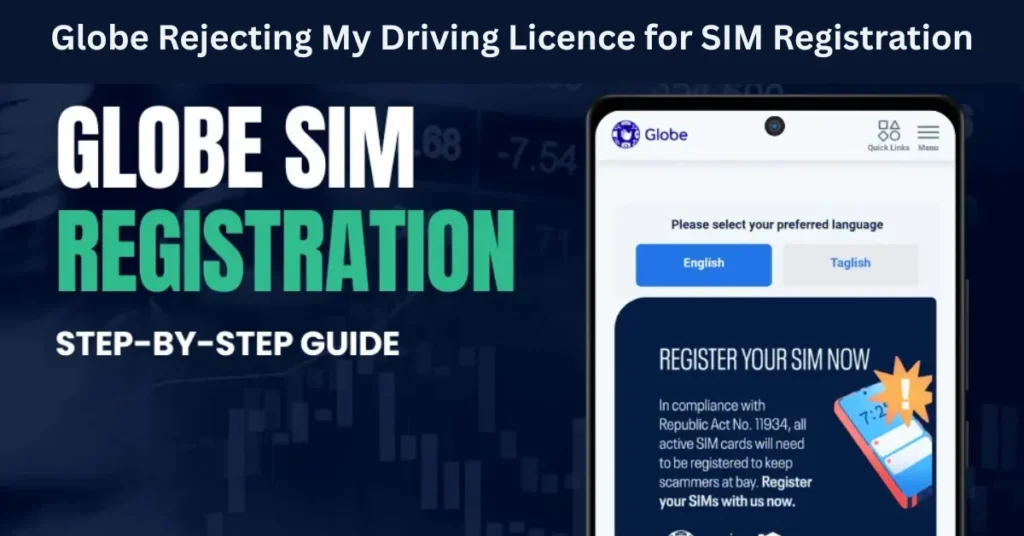
What Is SIM Registration and Why Is It Required?
SIM registration is a legal requirement under the SIM Registration Act in the Philippines, which mandates that all prepaid and postpaid SIM cards be registered with the network provider. The goal of the law is to reduce fraud and strengthen security by linking SIM cards to individuals.
For Globe SIM registration, you are required to submit a valid government-issued ID. This can be a passport, driver’s license, SSS ID, or other approved forms of ID. The driver’s license is commonly used by many Filipinos for this purpose, but sometimes it gets rejected for specific reasons.
Why Is My Driving Licence Being Rejected for SIM Registration?
If Globe is rejecting your driving license as part of the SIM registration process, there are several possible reasons. Let’s dive into the most common issues and their solutions.
The ID Is Not Clear or Legible
Problem:
One of the most common reasons for rejection is when the photo or text on the driving license is unclear, blurry, or illegible. This could happen if you took a poor-quality photo or if the license is damaged or faded.
Solution:
Tip: If you are scanning the ID, ensure that the scanner resolution is high enough for clear visibility. If you are using a smartphone camera, use good lighting and focus the camera to capture the document as clearly as possible.
The Driving License Is Expired
Problem:
Globe might reject your driving license if it has expired. This is because expired IDs are not considered valid for most official purposes, including SIM registration.
Solution:
Tip: If your license has expired and you cannot renew it immediately, use another valid government-issued I, D such as a Voter’s ID, Passport, or PhilHealth card.
The System Doesn’t Accept Certain Types of Licenses
Problem:
While a driving license is a valid form of ID for most services, it’s possible that Globe’s SIM registration system doesn’t accept certain types of older versions or specific formats of the license. This can happen if you have an older, non-encoded license or an ID version that the system does not recognize.
Solution:
Tip: When applying for SIM registration, make sure your driving license is the latest version with the updated security features and readable details.
Discrepancies in Personal Details
Problem:
Your driving license might be rejected if there is a discrepancy between the details entered in the registration form and the details on your driving license. This might happen if there’s an error in your name, address, or other personal information.
Solution:
Tip: If there’s a mistake in your personal details, update your registration with the correct information and try again.
Technical Glitches or Errors in the System
Problem:
Sometimes, the rejection could simply be a result of a system error or technical glitch on Globe’s side. The registration system might not properly recognize your driving license or could fail to process it due to temporary issues.
Solution:
Tip: If the issue persists, reach out to Globe customer service for assistance in uploading your driving license. You can also read: Re-Register Your Globe SIM After Porting to Another Network?
Alternative IDs You Can Use for SIM Registration
If your driver’s license continues to be rejected, there are plenty of other valid government IDs that you can use for SIM registration with Globe:
Each of these IDs is accepted by Globe for SIM registration as they meet the government’s official identification standards.
Tip: Always ensure that the ID you submit is valid, unexpired, and has clear details before uploading.
Steps to Re-Submit Your Driving License for SIM Registration
If you’ve checked the reasons for rejection and you’re ready to try again, follow these steps to resubmit your driving license for SIM registration:
Review Your Driving License Details
Ensure that the details (name, address, expiry date) are correct and clear.
Double-check for any discrepancies between your ID and the details you’ve provided during registration.
Take a High-Quality Photo or Scan
If you’re using a camera, make sure the image is clear, well-lit, and focused. Avoid glare or shadows that can obstruct important details.
If you’re using a scanner, ensure it’s at high resolution to capture all details accurately.
Upload the Correct File
Log in to the SIM registration portal.
Re-upload your updated or re-scan your driving license and submit it for verification.
Check Your Application Status
After submitting, check your application status regularly. You’ll be notified once your SIM is successfully registered.
FAQs
Final Words
If your driving license is being rejected for SIM registration, it’s usually due to common issues like expired IDs, unclear images, or system errors. By following the troubleshooting steps and double-checking your details, you can quickly resolve the issue and continue the registration process.
Remember that if re-uploading the ID doesn’t work, you can always use another valid ID and reach out to Globe customer support if needed. Don’t let this hold you back from completing your SIM registration!


