
Is Globe SIM Registration Mandatory for All Devices?
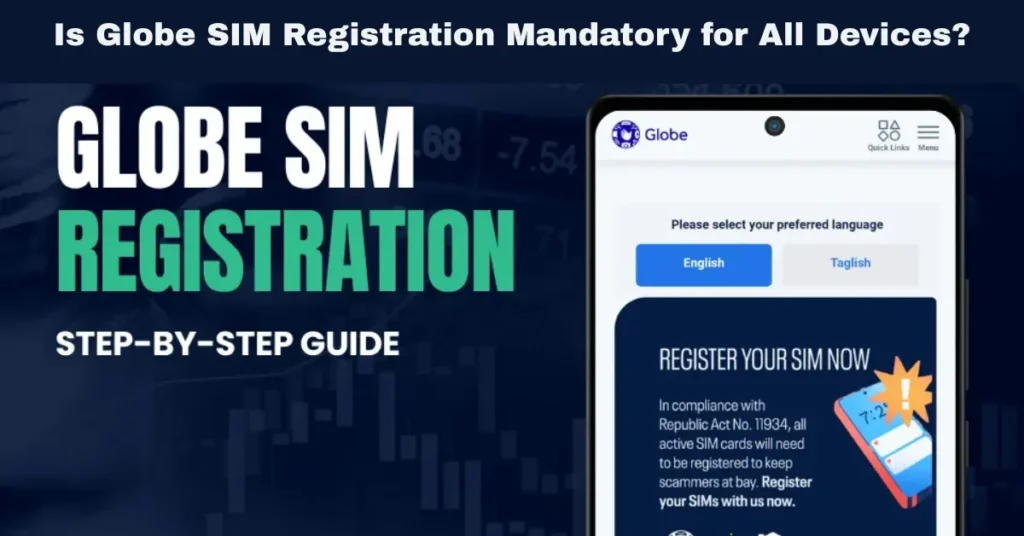
The SIM Registration Act (RA 11934) has been implemented to ensure that every Globe SIM card in the Philippines is linked to a real person’s identity. The law aims to reduce fraud, scams, and identity theft by ensuring mobile services are used securely and responsibly. One of the common questions that arises is whether SIM registration is mandatory for all devices, especially when it comes to devices like dual-SIM phones, eSIMs, or IoT devices.
In this article, we will break down what devices require SIM registration, explain the registration process for various devices, and clarify any confusion about which SIM cards must be registered to comply with the law.
Why Is SIM Registration Required for All Devices?
The SIM Registration Act was enacted with the primary goal of protecting mobile users and improving security in the Philippines. The law helps the government and telecom companies like Globe track the use of SIM cards and trace fraudulent activities.
Key Reasons for SIM Registration:
Preventing Fraud and Scams: By linking SIM cards to real individuals, the law prevents fraudulent activities, such as scams, spam calls, and identity theft, that often exploit unregistered or anonymous SIM cards.
Data Privacy and Security: The law ensures that mobile data is securely managed and that fraudsters cannot misuse phone numbers for illegal transactions.
Traceability: The registration process ensures that every SIM card is traceable back to the user, making it easier to track and prosecute illegal activity tied to mobile numbers.
But the question remains: Does SIM registration apply to all devices that use SIM cards? The short answer is yes — SIM registration is mandatory for all devices that use Globe SIM cards, whether you are using a traditional mobile phone, a dual-SIM phone, an eSIM, or even a mobile IoT device.
Which Devices Require SIM Registration?
Traditional Mobile Phones (Prepaid and Postpaid SIMs)
If you are using a traditional mobile phone with a physical SIM card, SIM registration is mandatory. This applies to:
Prepaid SIM cards: These SIM cards must be registered before they can be used. Prepaid users must follow the registration process to activate their services.
Postpaid SIM cards: Even if you have a postpaid plan, your SIM must still be registered under your real identity. The registration ensures that your phone number is tied to your account with Globe.
For both prepaid and postpaid SIMs, Globe will ask you to provide personal details, a valid government-issued ID, and a selfie for identity verification.
Dual-SIM Phones
If you own a dual-SIM phone, meaning your phone has two SIM card slots, both SIM cards need to be registered. While you may use both slots for different SIM cards (e.g., one for data, one for calls), the SIM registration process treats each SIM card separately.
Key Points for Dual-SIM Registration:
Each SIM must be registered individually: If you are using two Globe SIM cards, you will need to register both SIMs separately.
No need to re-register a single SIM: If you are using one SIM card for calls and another for data, you’ll still need to complete the registration for both, but you don’t have to re-register them for each slot.
eSIMs (Embedded SIM Cards)
An eSIM (embedded SIM) is a digital SIM that is built directly into your device. Unlike traditional SIM cards that need to be physically inserted, eSIMs enable devices to connect to a mobile network without the need for a physical SIM card.
SIM Registration for eSIMs:
Yes, eSIMs must also be registered under the SIM Registration Act. Even though eSIMs do not require a physical SIM card, they are still used to access the mobile network, so they are subject to the same registration rules as traditional SIM cards.
The process for registering an eSIM is similar to a physical SIM, and Globe allows users to complete this process via the GlobeOne app or the Globe website.
IoT Devices (Internet of Things Devices)
IoT devices are electronic devices that use SIM cards to connect to the internet or other mobile networks. Examples of IoT devices include:
Since IoT SIM cards are still mobile-connected, they are subject to SIM registration as well.
SIM Registration for IoT Devices:
Yes, IoT SIM cards must be registered to ensure compliance with the SIM Registration Act. Whether you’re using a Globe SIM card in a smart security camera or connected vehicle, it must be linked to your identity for security purposes.
What Happens If You Don’t Register Your Globe SIM for These Devices?
If you do not register your Globe SIM—whether it’s for a smartphone, dual-SIM phone, eSIM, or IoT device—you will face serious consequences. The SIM card will be deactivated, and you will lose access to services such as calls, texts, mobile data, and financial services (such as GCash).
Consequences of Not Registering Your SIM:
Service Deactivation: Your SIM card will be deactivated if you miss the deadline for registration.
Loss of Access: You won’t be able to access mobile services like calls, texts, or data until you complete the registration process.
Disruption of IoT Services: If you use IoT devices with unregistered SIM cards, you may experience service interruptions in your connected services.
It is important to complete your SIM registration on time to avoid any disruptions in service. You can also read: Can Your Globe SIM Be Registered More Than Once?
How to Register Your Globe SIM (for Any Device)
No matter the type of device you’re using, the registration process for your Globe SIM remains the same:
GlobeOne App: You can register your SIM card via the GlobeOne app, which is available for both Android and iOS devices. The app allows you to follow step-by-step instructions to submit your personal information and upload your required documents.
Globe Website: Alternatively, you can visit the official Globe SIM Registration website to complete your registration online.
Globe Stores: If you encounter difficulties or prefer in-person assistance, you can visit a Globe store to complete the registration process.
To register, you will need to provide:
FAQs
Final Words
SIM registration is mandatory for all devices that use Globe SIM cards, including traditional mobile phones, dual-SIM phones, eSIM-enabled devices, and IoT devices. By registering your SIM card, you comply with the SIM Registration Act, reduce the risk of fraud, and ensure continued access to mobile services.


