
What Is Globe’s Policy on SIM Registration Extensions?
With the SIM Registration Act (RA 11934) now in effect in the Philippines, all mobile users — including Globe customers — must register their SIM cards. This law was designed to prevent fraud, scams, and other abuses linked to unregistered or anonymous SIMs. However, not everyone can register on time. That’s why many people want to know: Does Globe offer extensions to the SIM registration deadline? And if so, what are the rules and processes?
This guide explains Globe’s policy on SIM registration extensions, why these extensions happen, what you should do if you missed the original deadline, and how to avoid losing your mobile services. We’ll also cover common questions users have about deadlines, penalties, and exceptions.
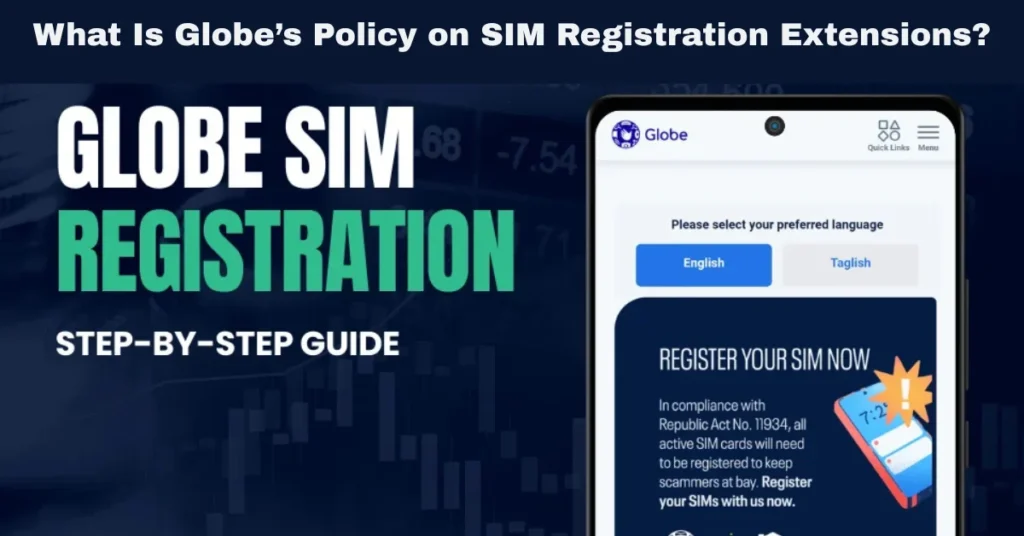
Why Was SIM Registration Required in the First Place?
Before we get into Globe’s policy, it helps to understand why SIM registration is mandatory:
All telecom companies — Globe, Smart, DITO — were mandated by the law to register all SIM cards, whether prepaid or postpaid, including data‑only lines and mobile broadband.
But not everyone could complete registration by the initial deadline — especially people with name mismatches, ID issues, or technical problems. That’s where extensions come in.
Does Globe Itself Grant Extensions?
No — Globe does not independently extend the SIM registration deadline.
The deadline and any additional extension periods are set by the government, not by Globe.
Here’s how it works:
In other words, Globe only follows the official deadlines announced by the NTC and the government.
When those deadlines are extended, Globe updates its systems and communicates the revised deadline to its customers.
What Happened with the Initial Deadline and Extensions?
Since the SIM Registration Act was rolled out, the Philippine government issued multiple extensions to give people more time:
Important point:
Globe does not independently decide the deadline. All extensions come from the authorities and are enforced by Globe.
What Happens If You Miss the Deadline?
Missing the SIM registration deadline carries serious consequences:
Deactivation of Your Globe SIM
The SIM will be deactivated if it remains unregistered after the final extension.
This means no calls, texts, mobile data, or notifications.
Loss of Services Linked to Your Number
Services that rely on your phone number — like GCash, OTP for apps, or mobile banking — may stop working.
Reactivation Requires Registration
You can only have your SIM reactivated by completing the registration process.
This must be done before the telecom provider permanently retires unregistered lines.
What If You Tried to Register After Extension but Failed?
Globe provides ways to help you resolve failures:
Common Reasons for Failure
How to Fix It
Globe does not charge extra for resubmissions. You just need to correct the issue and reapply before the cut‑off.
What Happens After an Extension Ends?
Once the final registration deadline (including all government‑approved extensions) expires:
SIM Deactivation Process
- The service provider deactivates unregistered SIM cards.
- Deactivation means:
- No calls
- No text messages
- No mobile data
- No access to mobile notifications (including OTPs)
- No access to financial services tied to the SIM number
Permanent Retirement
Reactivation
Globe’s Role in Communicating Extensions
While Globe does not set deadlines, it plays a key role in communicating them:
How Globe Notifies Customers
Globe encourages customers to register early to avoid service interruptions, especially as deadlines approach.
How to Avoid Missing an Extension Deadline
Here are practical tips to avoid losing your SIM:
Register Early
Don’t wait until the last minute — register as soon as possible.
Double‑Check Your Details
Make sure your:
Use Clear Photos
Use Globe Support
If you face errors, get help early — don’t wait until after a deadline.
Additional Considerations for Expats, Students, and Tourists
If you’re not a Philippine citizen or resident, you can still register:
Acceptable Documents
Globe and the government allow foreign IDs for registration. Just ensure your documents are valid and clearly visible.
What About Corporate or Business Accounts?
Corporate or enterprise SIMs must also be registered under real user identities. If your organization manages many lines:
Tips for Business Accounts
Business users are also subject to the same deadlines and extensions. You can also read: How to Safeguard Your Privacy During Globe SIM Registration
FAQs
Final Words
Globe’s policy on SIM registration extensions is straightforward: Globe follows official government deadlines and does not grant its own extensions. Globe assists by notifying users of upcoming deadlines, helping with registration problems, and providing multiple channels (app, website, stores) to complete the process.
To avoid losing mobile services, register your Globe SIM early, provide accurate information, and correct any errors immediately. Extensions provide extra time, but they are only valid when announced by the government — not at Globe’s discretion.


