
How to Avoid SIM Deactivation After Globe Registration
The SIM Registration Act (RA 11934), which mandates the registration of all mobile Globe SIM cards in the Philippines, aims to ensure that mobile services are secure and traceable. However, failure to complete the Globe SIM registration process can lead to SIM deactivation, causing you to lose access to essential services such as calls, texts, mobile data, and even financial services like GCash.
To avoid SIM deactivation and ensure your Globe SIM stays active, this guide will walk you through the key steps you should follow, common mistakes to avoid, and tips for completing your Globe SIM registration.
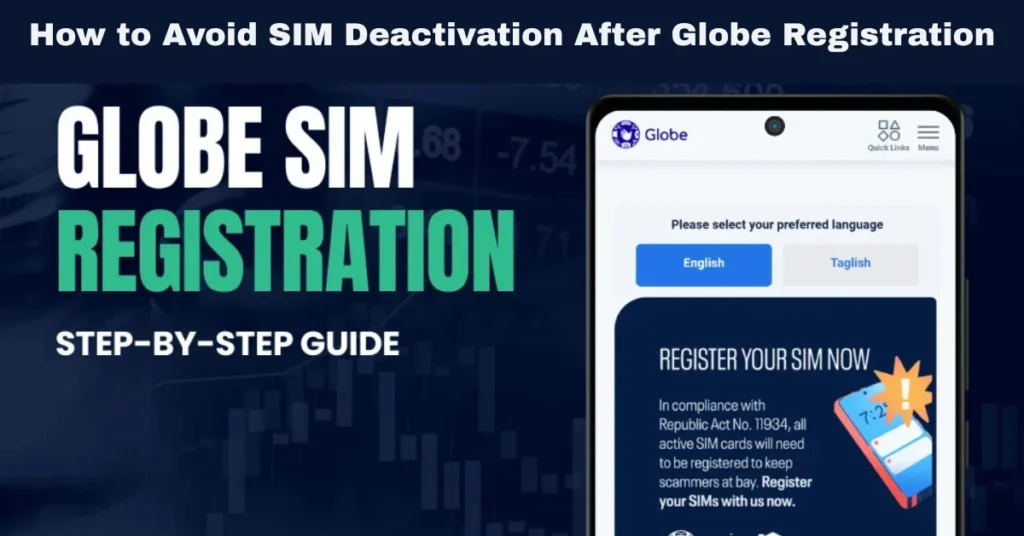
Why Does Globe SIM Registration Lead to Deactivation?
Deactivation occurs if you fail to meet the SIM registration deadline or if there are issues with your registration that prevent it from being successfully processed. The Globe SIM registration is a legal requirement under the SIM Registration Act, and without it, Globe is required to deactivate your SIM.
Reasons for Deactivation After Registration
Failure to Register Before the Deadline: If you miss the official deadline, your Globe SIM will be deactivated automatically.
Incorrect or Mismatched Information: If the details provided during registration (such as your name, address, or birthdate) don’t match your government-issued ID, your registration will not be processed.
Invalid or Unclear ID: If the ID you uploaded is expired, unclear, or not accepted, your registration will fail. Incomplete Selfie Verification: If the selfie you took while holding your ID is unclear or the ID is not visible, it could result in a failed registration.
Ownership Transfer Issues: If the SIM was previously registered to someone else (e.g., second-hand SIM), the ownership transfer has to be completed before registration can be finalized.
How to Avoid SIM Deactivation After Globe Registration
Register Your Globe SIM Before the Deadline
The government and Globe set a deadline for SIM registration. To avoid deactivation, make sure you complete your SIM registration before the final cut-off.
Stay Updated on Deadlines: Keep an eye on updates from Globe and the National Telecommunications Commission (NTC) regarding the registration deadline.
Register Early: Don’t wait until the last minute. Register your SIM as soon as possible to avoid last-minute issues like technical glitches or missed deadlines.
Ensure Your Personal Details Are Correct
Accurate personal information is crucial for SIM registration. If the details you provide don’t match the information on your government-issued ID, your registration might be rejected.
How to Avoid Incorrect Information:
Cross-check your information before submitting it. Make sure your name, date of birth, and address match exactly as they appear on your ID.
Double-check spelling: Typos or misspellings of your name, address, or other details can cause errors.
Review your ID: Make sure that your ID number, date of birth, and other details are legible and correct.
Upload a Valid and Clear Government-Issued ID
Your government-issued ID serves as the primary verification document during registration. If your ID photo is unclear, expired, or invalid, your registration will fail, and your SIM may be deactivated.
How to Avoid Issues with Your ID:
Ensure the ID is valid: Use an unexpired ID for registration. Common IDs accepted by Globe include passports, driver’s licenses, national IDs, and SSS IDs.
Upload a clear photo: Make sure the ID photo is clear, well-lit, and all text is readable. Avoid glare or reflections on the ID.
Use a high-resolution scan or photo: Take a high-quality photo of the ID that’s easy to read and well-focused.
Take a Clear Selfie with Your ID
You’ll be required to take a selfie while holding your ID. A blurry or unclear selfie can lead to failed registration and deactivation.
Tips for a Successful Selfie:
Ensure good lighting: Use natural light or well-lit areas to avoid shadows or glare on your face and ID.
Hold your ID clearly: Ensure the ID is fully visible and readable in the photo. Don’t cover any part of the ID.
Focus on clarity: Your face should be clearly visible, and the ID should not be blurry or cropped.
Verify Your SIM Ownership Before Registration
If you bought a second-hand Globe SIM, it may already be registered to someone else. In this case, you will need to complete the ownership transfer process before you can register it in your name.
How to Transfer Ownership:
Follow the Instructions and Be Patient
The SIM registration process may take a few minutes, and there could be times when the registration portal experiences a temporary glitch or technical issue.
What to Do:
Wait for confirmation: Once you submit your registration, you will receive a confirmation SMS if it is successful. If you don’t receive confirmation within a reasonable timeframe, try submitting again.
Use a stable internet connection: If you are registering online, ensure that your internet connection is stable to avoid errors during submission.
Keep Your Registration Details Confidential
To avoid issues such as identity theft or fraud, be sure to keep your SIM registration details secure.
What to Do If Your Globe SIM Is Deactivated Due to Registration Failure
If your Globe SIM is deactivated because of a failed registration, here are the steps you should take to resolve the issue:
Check for Errors and Re-register
If the error is related to incorrect information, blurry photos, or mismatched ownership, correct the issues and re-register your SIM. You can do this via:
GlobeOne app
Globe website
Globe store (in-person assistance)
Visit a Globe Store for Help
If you continue to face registration issues or if your SIM remains deactivated after the deadline, visit a Globe store for assistance. Store representatives will help you complete the registration process and resolve any technical issues preventing your registration.
Check for System Issues
If the deactivation is caused by a system error, Globe customer support may help resolve the issue. You can contact Globe customer service via their official hotline or support channels.
FAQs
Final Words
To avoid SIM deactivation after Globe SIM registration, it’s essential to ensure that all your details are correct, your documents are clear, and your registration is submitted properly. By following the steps outlined in this guide and taking the necessary precautions, you can prevent service interruptions and keep your mobile services, including GCash, data, and calls, active without issue.


