
How to Verify Globe SIM Registration Without Issues
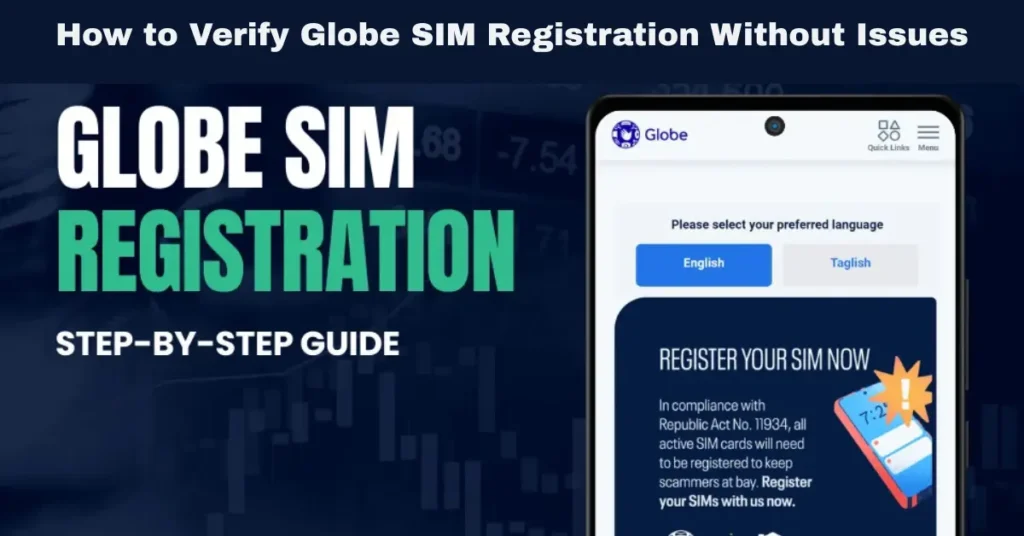
As part of the SIM Registration Act (Republic Act No. 11934), all Globe SIM cards in the Philippines must be registered to a person’s real identity. Registration helps improve security, prevent fraud, and combat illegal activities. Once you’ve completed the registration process, it’s essential to verify that your Globe SIM has been successfully registered.
In this article, we’ll guide you through how to verify your Globe SIM registration and address any common issues that might arise during the process.
Why Is Verifying Globe SIM Registration Important?
Ensure Your SIM Is Active and Valid
Verifying your registration confirms that your SIM card is properly registered in the Globe system, ensuring continuous access to mobile services like calls, texts, and mobile data.
Avoid Service Disruptions
If your SIM registration is not successful, you risk having your Globe SIM deactivated, resulting in a loss of mobile services. Verifying the registration helps avoid this outcome.
Compliance with the Law
As per the SIM Registration Act, all mobile numbers must be registered. Failure to do so before the deadline results in deactivation, which makes the verification process a crucial step in complying with the law.
Steps to Verify Globe SIM Registration
Visit the Globe SIM Registration Portal
To verify if your Globe SIM registration is successful, start by visiting the official Globe SIM registration portal. Follow these simple steps:
Go to the Globe SIM Registration portal: This is the official website where you can check your SIM registration status.
Enter your SIM Number: Input the 13-digit SIM number associated with your Globe SIM card. You can find the SIM number on the SIM card packaging or by using the Globe app.
Submit the information: After entering the SIM number, you will be prompted to click on the “Verify” button.
Tip: Double-check that you’ve entered the correct 13-digit number to avoid issues with verification.
Check for a Verification Confirmation
After you submit your SIM number on the registration portal, Globe will verify your SIM registration status.
Tip: If you don’t receive confirmation within 24–48 hours, reach out to Globe customer service for assistance.
Check Your GlobeOne App
If you have the GlobeOne app, you can easily check your SIM registration status without visiting the website. Here’s how:
Open the GlobeOne app: If you don’t have it installed, download it from the App Store or Google Play Store.
Log in: Use your Globe account details to log in to the app.
Go to the ‘SIM Registration’ section: In the app, find the SIM registration section where you can check the status of your registration.
Verify the status: The app will show you whether your SIM is registered or if there’s an issue.
Tip: The GlobeOne app is a great way to stay updated on your registration status and manage your Globe services in one place.
Receive a Confirmation SMS or Email
After completing the registration process, Globe will send a confirmation message. This SMS or email will inform you that your SIM card has been successfully registered. Keep this confirmation for your records, as you may need it for any future reference.
Common Issues and How to Resolve Them
Incorrect Information Entered
One of the most common reasons for a failed SIM registration is entering incorrect information during the registration process. If your personal details don’t match the information on your government-issued ID, Globe may reject your registration.
Solution:
Failed Document Upload
If your government ID or selfie is blurry or illegible, your registration may fail, preventing you from receiving a confirmation.
Solution:
OTP Not Received
The One-Time Password (OTP) is crucial for verifying your registration, but sometimes you may experience issues receiving it. This could be due to a poor signal, an incorrect mobile number, or delayed SMS delivery.
Solution:
Check your signal strength: Make sure you have a stable connection and sufficient network signal.
Request a new OTP: If the OTP doesn’t arrive promptly, click on Resend OTP on the registration page.
Verify your mobile number: Make sure the SIM number you entered is correct.
SIM Status Not Updated
Occasionally, it might take 24–48 hours for the registration status to update in the system, leading to a delay in receiving the confirmation message.
Solution:
SIM Deactivation Due to Failed Registration
If you miss the registration deadline or experience errors that prevent you from registering, your SIM may be deactivated.
Solution:
What to Do if Your SIM Registration Is Still Unsuccessful
Contact Globe Customer Service
If your verification shows that the registration hasn’t been completed successfully or if you have issues like not receiving an OTP or confirmation SMS, contact Globe customer service immediately.
You can reach Globe’s customer service via:
Phone: Call 211 from your Globe number.
Online: Use the Globe website’s live chat feature.
Globe Stores: Visit any Globe store for assistance.
Recheck Your Details and Documents
If Globe’s customer service confirms that there was an issue with your registration (e.g., mismatched details or unclear documents), correct the information and resubmit your registration. Make sure that all the required documents are clear and accurate. Can you also read: Is Globe SIM Registration Required for IoT Devices?
How to Ensure Successful Globe SIM Registration in the Future
Verify Information Before Registering
Before you start the registration process, ensure that all the details you’re entering are correct and match your government-issued ID. This will prevent rejection due to incorrect information.
Take Clear Photos of Documents
When uploading documents, make sure the photos are high-resolution and show the necessary details. For selfies, ensure that your face is fully visible, and the background is well-lit.
Double-Check Your OTP
Make sure the OTP is entered correctly and that you’re receiving it on the correct phone number. If the OTP isn’t coming through, try refreshing or requesting a new one.
Final Words
Verifying your Globe SIM registration is a straightforward process that ensures you remain compliant with the SIM Registration Act and avoid the consequences of SIM deactivation. If you encounter any issues, remember that the Globe registration portal and GlobeOne app are easy ways to monitor your registration status.
Always verify your details, documents, and OTP during the registration process to avoid errors. If problems persist, contact Globe customer service or visit a Globe store for help.
By staying proactive and addressing any issues quickly, you can ensure that your Globe SIM remains registered and that you continue enjoying uninterrupted mobile services.


