
Globe SIM Registration for Businesses Latest Update 2026
With the implementation of the SIM Registration Act (RA 11934) in the Philippines, it is now mandatory for all mobile users, including businesses, to register their SIM cards. This law is part of a broader initiative to ensure that all SIM cards are linked to verified identities, reducing fraud, scams, and misuse. As a business owner or representative, registering Globe SIM cards used for your business operations is essential to comply with the law and maintain access to important services like mobile communication, mobile data, and financial tools like GCash.
This guide walks you through the key steps for Globe SIM registration for businesses, what documents are required, and how to ensure a smooth registration process for all your business SIMs.
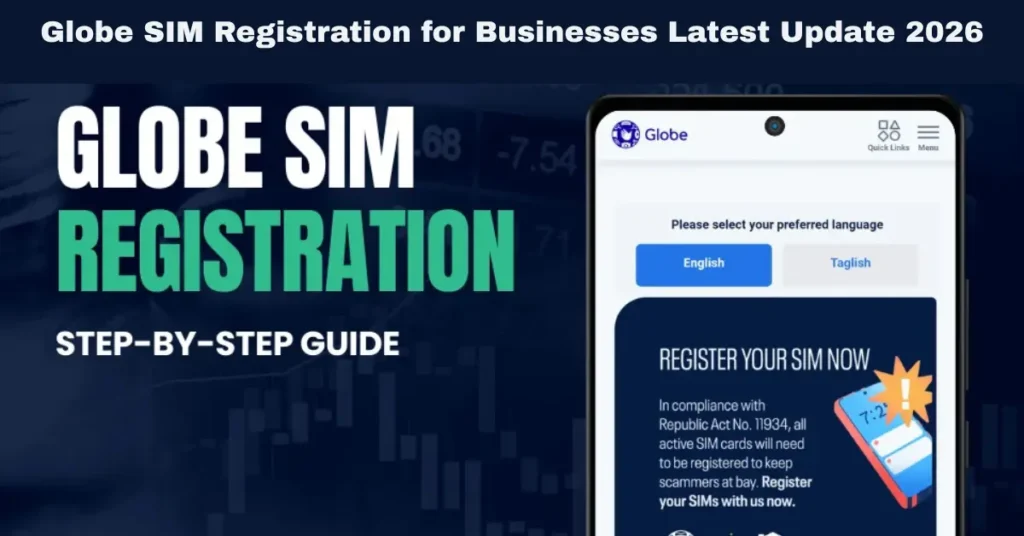
SIM Registration for Businesses
SIM registration is crucial for businesses to:
Ensure Compliance: The SIM Registration Act mandates that businesses register their SIM cards. Non-compliance can lead to SIM deactivation, impacting business operations.
Prevent Fraud and Misuse: Registration ensures that each SIM card is tied to a real identity, helping to reduce fraud, scams, and identity theft.
Maintain Business Continuity: Businesses rely on mobile phones for communication, data, and mobile transactions. Registering SIM cards ensures continuous service without disruptions.
Improve Security: The registration process improves security for both the business and its customers, making it easier to trace fraud or misuse of services.
By completing the SIM registration for all your business lines, you ensure that your operations continue without interruption and comply with telecom regulations. You can also read: Does Globe SIM Registration Work for Dual‑SIM Phones?
Documents Required for Business SIM Registration
For businesses, the process of SIM registration may require a few additional steps compared to individual users. Below are the key documents required:
Business Registration Documents
Business Permit: This document confirms that your business is officially registered with the local government unit (LGU).
DTI Certificate (Department of Trade and Industry): If you are a sole proprietorship, the DTI certificate will verify your business name.
SEC Certificate (Securities and Exchange Commission): For corporations or partnerships, an SEC certificate is required to verify your business’s registration.
BIR Certificate (Bureau of Internal Revenue): To confirm that your business is registered with the Bureau of Internal Revenue (BIR).
Authorized Representative’s Identification
If the SIM registration is done by an authorized representative (someone other than the business owner), you will need to provide:
A government-issued ID of the authorized representative (e.g., passport, driver’s license, SSS ID, etc.).
Letter of Authorization: A letter stating that the person is authorized to complete the registration on behalf of the business.
Proof of Address for Business
If applicable, you may need to provide proof of the business address, such as:
How to Register Globe SIM for Your Business: Step-by-Step Guide
Businesses can register their Globe SIM cards through several methods, such as the GlobeOne app, Globe website, or in person at a Globe store. Below is a detailed step-by-step guide for business SIM registration:
Registering via the GlobeOne App
The GlobeOne app is the most convenient way to register Globe SIM cards for businesses, especially if you have multiple numbers to register. Here’s how to register:
Download and Open the GlobeOne App
Navigate to the SIM Registration Section
Enter Business Details
Upload the Business Permit
Provide the Authorized Representative’s Information
Upload Clear Photos of IDs and Take a Selfie
Submit the Registration
Registering via Globe’s Website
For businesses that prefer to register online through a desktop or laptop, the Globe website offers a similar registration process:
Visit the Globe SIM Registration Website
Open the Globe SIM registration page on your browser.
Enter Business Information
Fill out the registration form with the business name, contact details, and other required information.
Upload the business registration documents (e.g., DTI, SEC, BIR certificates).
Upload Identification Documents
Upload clear photos or scans of the government-issued IDs of the authorized representative and business owner.
Submit the Registration
After reviewing your information, click Submit to complete the registration.
You will receive a confirmation message once the registration is successfully processed.
Registering In-Store (For Assistance)
If you encounter difficulties or prefer in-person assistance, you can visit any Globe store to complete the registration. Here’s how:
Visit a Globe Store
Bring your business documents (e.g., DTI, SEC, business permit, and BIR certificate) and government-issued IDs of the business owner and authorized representative.
Complete the Registration Form
The store representative will assist you in filling out the SIM registration form and ensure all necessary documents are provided.
Take the Selfie and Submit
The store representative will take a selfie of the business owner or authorized representative holding the ID.
After verifying the documents and information, the store representative will submit the registration on your behalf.
What to Do if Your Business SIM Registration Fails
Sometimes, businesses may face issues during the registration process. Common reasons for SIM registration failure include:
If your business’s SIM registration fails:
FAQs
Final Words
Registering your Globe SIM cards for your business is essential to stay compliant with the SIM Registration Act and maintain access to mobile services. By following the key steps outlined in this guide — whether through the GlobeOne app, Globe website, or in-person registration — you can easily complete the process.
Make sure you have all the required business documents ready, provide accurate details, and upload valid identification to avoid any registration issues. If you face any problems, Globe customer support or a Globe store can help resolve any errors.


