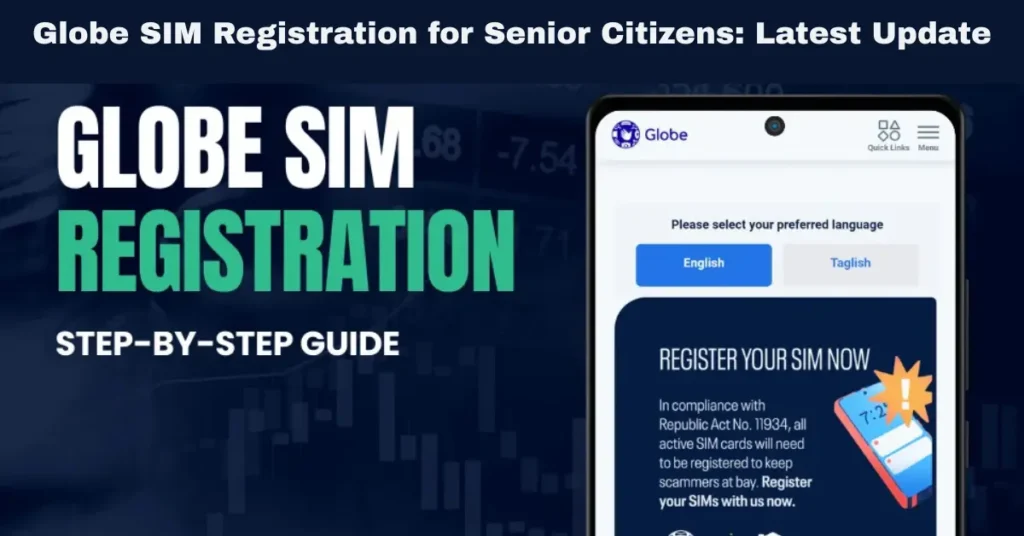
Globe SIM Registration for Senior Citizens: Latest Update
The SIM Registration Act (Republic Act No. 11934) mandates that all SIM cards in the Philippines, including those from Globe Telecom, must be registered under a person’s real identity. While the registration process is simple, it can be a bit challenging for senior citizens who may not be as familiar with digital tools or the online registration process.
In this full guide, we’ll walk you through everything senior citizens need to know about Globe SIM registration, including step-by-step instructions, the required documents, and special considerations to ensure that the process is as smooth as possible.
Why Is SIM Registration Important for Senior Citizens?
Compliance with the Law
The SIM Registration Act applies to all mobile users, regardless of age. Senior citizens are required by law to register their SIM cards to stay connected to mobile services like calls, texts, and mobile internet. Without registration, SIM cards will be deactivated, causing disruptions in communication.
Security and Fraud Prevention
SIM registration helps combat fraud, text scams, and illegal activities involving unregistered SIM cards. By registering, senior citizens help ensure their mobile number is secure and protected from misuse.
Mobile Banking and Communication
Many senior citizens use their mobile numbers for mobile banking (e.g., GCash) or to stay in touch with family members. Registration ensures that these services remain active and accessible.
Requirements for Globe SIM Registration for Senior Citizens
To register a Globe SIM as a senior citizen, there are some important documents and information you’ll need to provide. Here’s what you need:
Valid Government-Issued ID
Senior citizens must submit a valid government-issued ID for verification purposes. This is essential to prove their identity during the registration process.
Accepted IDs for senior citizens: Senior Citizen ID
Passport
Driver’s License
Voter’s ID
National ID (Philippine Identification System)
If the senior citizen does not have a Senior Citizen ID, they can still use other valid IDs, like a passport or driver’s license.
Selfie for Verification
Along with the government-issued ID, the senior citizen must upload a selfie for verification. The selfie is required to confirm that the person registering the SIM matches the photo on the ID.
Tip: Ensure that the selfie is clear, well-lit, and taken with no obstructions (e.g., glasses or hats that obscure the face).
Proof of Address (Optional)
In some cases, a proof of address may be required for verification, especially if the registration is tied to a specific location in the Philippines. This could include a utility bill or bank statement.
Tip: For senior citizens living in nursing homes or with relatives, a relocation address may be provided with supporting documents.
How to Register a Globe SIM for Senior Citizens
Senior citizens can complete the SIM registration process either online or in person at a Globe store. Let’s break down the two methods available for SIM registration.
Register Online
Globe has made it easier for senior citizens to register their SIM cards online, especially since many senior citizens are already familiar with mobile apps and smartphones.
Here’s how to register online:
- Visit the Globe SIM Registration Portal
- Go to the Globe SIM Registration portal on your browser. This is the official website for registering your Globe SIM card.
- Enter the 13-Digit SIM Number
- Find the 13-digit SIM number on your SIM card packaging. Enter this number on the registration portal.
- Fill Out the Registration Form
- Fill out the registration form with the required personal information, including your name, address, birthdate, and mobile number.
- Upload the Documents
- Upload a clear photo of your government-issued ID and your selfie for identity verification.
- Receive the One-Time Password (OTP)
- You will receive an OTP (One-Time Password) on your Globe SIM. Enter the OTP in the registration portal to verify your identity.
- Confirmation
- Once you submit the OTP, the system will process your registration, and you will receive a confirmation SMS confirming that your SIM card is registered.
Register in Person at a Globe Store
If a senior citizen is not familiar with using online platforms, Globe stores offer in-person registration. This is especially helpful for those who may not be tech-savvy or those who prefer face-to-face assistance.
Here’s how to register in person:
Visit the Nearest Globe Store
Locate a nearby Globe store. Senior citizens can use Google Maps or ask for directions if needed.
Provide the Required Documents
Bring the valid government-issued ID (Senior Citizen ID or other valid IDs), selfie, and proof of address (if required).
Fill Out the Registration Form
The Globe customer representative will assist in filling out the SIM registration form with the necessary personal details.
Wait for Confirmation
After submitting the required documents, Globe will process the registration. The senior citizen will receive confirmation via SMS once the registration is successful.
Tip: Senior citizens can bring a family member or trusted person to assist with the registration process if needed. You can also read: How Globe SIM Registration Protects from Fraud
Special Considerations for Senior Citizens During SIM Registration
Assistance at Globe Stores
Globe stores are senior citizen-friendly and assist those who may have difficulty completing the registration process. If the senior citizen needs help with the form or uploading documents, the Globe store staff will assist with the entire process.
Accessibility for Senior Citizens
Some senior citizens may face challenges using smartphones or computers for online registration. To overcome this, Globe stores also have dedicated kiosks where senior citizens can register in person with the help of a representative.
Tip: Bring a trusted family member or friend who can assist with the online registration if needed.
Extending Registration Time for Senior Citizens
Globe may consider allowing extra time for senior citizens who are unable to complete the registration on time due to technical challenges or other difficulties. It’s recommended to visit Globe customer service if more time or help is needed.
What Happens If Senior Citizens Miss the SIM Registration Deadline?
SIM Deactivation
If a senior citizen fails to register their Globe SIM before the government-mandated deadline, the SIM will be deactivated. This means the senior citizen will no longer have access to services like calls, texts, and mobile data.
Loss of Services Linked to the SIM
SIM deactivation also means the senior citizen will lose access to mobile wallets (like GCash), banking services, and loyalty programs tied to the SIM number.
Re-registration Process
If a senior citizen misses the deadline, they may need to visit a Globe store to inquire about re-registration options. There may be a grace period during which late registrations are allowed.
FAQs
Final Words
Globe SIM registration for senior citizens is essential to ensure continued access to mobile services. Whether registering online or in person, the process is straightforward, and Globe provides assistance at every step. Senior citizens should make sure to complete the registration as soon as possible to avoid service interruptions and maintain their mobile connectivity.
If you need help with the SIM registration process, don’t hesitate to reach out to Globe customer service or visit your local Globe store for assistance.