
Track Your Globe SIM Registration Status Without the App
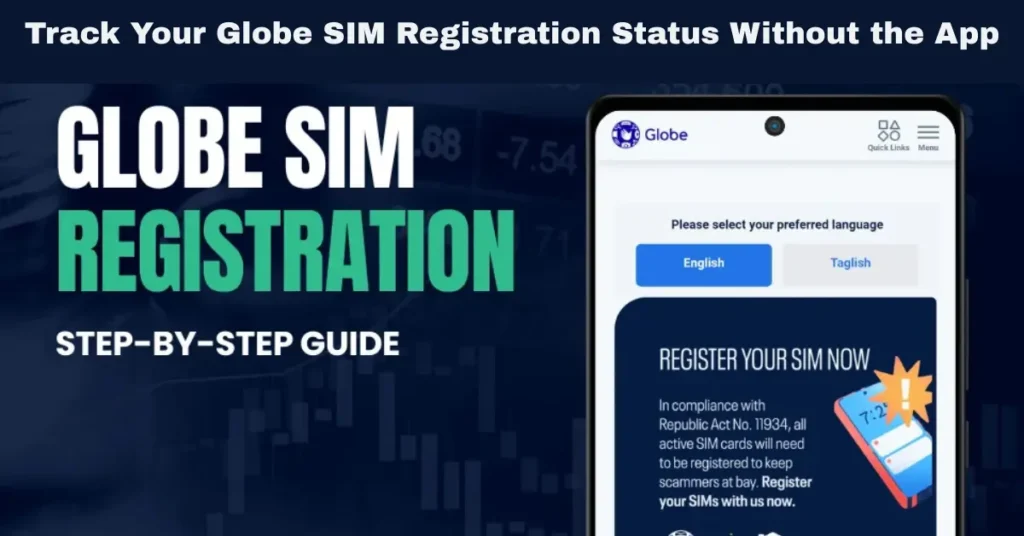
The Philippine SIM Registration Act (Republic Act No. 11934) requires all Globe, TM, and Globe At Home users to register their SIM cards to avoid fraud and ensure continued service. The registration process helps the government track the ownership of SIM cards and protect consumers from scams and abuse. However, what if you don’t have access to the GlobeOne app or simply prefer not to use it? You can still track the status of your Globe SIM registration without needing the app.
In this guide, we’ll explain all the ways to track your Globe SIM registration status, including alternatives like the Globe website, SMS, and customer service, ensuring that you stay connected and avoid interruptions in your mobile services.
Why Track Your Globe SIM Registration Status?
Tracking the status of your Globe SIM registration is essential for the following reasons:
Avoid Service Disruption: If you fail to register your SIM, your number may be deactivated, meaning you won’t be able to make calls, send texts, oruse mobile data. Tracking your registration status ensures this doesn’t happen.
Government Compliance: The registration is mandatory under the law. Ensuring your SIM is registered keeps you compliant with the Philippine government’s requirements.
Protect Your Services: Registering your SIM ensures continued access to essential services like GCash, mobile banking, and emergency alerts.
How to Track Your Globe SIM Registration Status Without the GlobeOne App
Even if you don’t have access to the GlobeOne app, there are still several methods to check the status of your SIM registration. Below are the alternative ways:
Track Your Registration Status Through the Globe Website
The most straightforward method to check your Globe SIM registration status without using the app is through the official Globe website.
Step-by-Step Guide:
Visit the Official Globe SIM Registration Portal
Open your browser and go to the official Globe SIM registration page: Globe SIM Registration. This is where you can check the status of your registration and update any incomplete information.
Enter Your Globe SIM Number
On the page, you’ll see a prompt to enter your Globe SIM number. Input your mobile number exactly as it appears on your SIM card.
Submit Your Information
After entering your SIM number, you may be asked to verify additional information (such as your full name, birth date, or a valid ID).
Track Your Status
Once you’ve submitted your details, the website will display your SIM registration status. It will let you know whether your registration is complete or if there are issues that need to be addressed. If your registration is successful, you’ll receive a reference number for future tracking.
This method allows you to track your registration status easily and quickly online, without needing to install or access the GlobeOne app.
Track Your Registration Status via SMS
Another easy way to track your Globe SIM registration status is via SMS. Globe provides an SMS-based service for users to check if their SIM is registered.
Step-by-Step Guide:
Send an SMS to 8080
From your Globe mobile number, text REGISTER to 8080. This is the official number used to check SIM registration statuses.
Receive the Status Update
After sending the message, you’ll receive an SMS reply confirming whether your SIM is successfully registered or if it hasn’t been registered yet. The message will also include instructions on what to do if your registration is incomplete.
Follow the Instructions
If your SIM is not registered, the SMS will provide a link or step-by-step instructions to complete your registration via the Globe website or GlobeOne app. If you are facing any issues, the SMS may also give further guidance to resolve them.
This method is highly convenient for those who prefer not to use the app and want a quick status update via SMS.
Visit a Globe Store for In-Person Assistance
If you are having trouble tracking your registration online or via SMS, you can always visit a Globe store to get direct assistance.
Step-by-Step Guide:
Locate a Globe Store
Find the nearest Globe store in your area. You can locate the nearest store by searching online or using the Globe store locator available on their website.
Bring Your Globe SIM and ID
When visiting the store, bring your Globe SIM card and a valid government-issued ID to verify your identity. You may need to provide this information if the staff needs to look up your registration status manually.
Get Assistance
The Globe store staff will be able to check your registration status and assist you in completing the process if necessary. They can also guide you on any issues with your registration and help you resolve them in person.
Visiting a Globe store is a great option if you prefer face-to-face assistance or if you need additional help with registration.
Call Globe Customer Service for Support
If you’re unable to access the website, receive SMS, or visit a store, you can always call Globe customer service for assistance.
How to Call Globe Customer Service:
Dial 211
From your Globe mobile number, dial 211 to reach Globe customer service. This is the official hotline for customer inquiries and support.
Speak with a Representative
Once connected, you can speak with a customer service representative who can check your SIM registration status and assist you in completing any required steps.
Follow Instructions
The representative will guide you through the process, answer your questions, and provide solutions if you’re facing issues with the registration.
Calling Globe customer service ensures you get personalized support directly from a Globe representative.
Tips to Ensure Your SIM Registration Is Successful
To avoid delays or issues with your SIM registration, here are a few tips to keep in mind:
Double-check your details: When registering, ensure that your name, birthdate, and other personal information match exactly what’s on your valid ID.
Ensure good photo quality: Upload clear, readable images of your ID and selfie. Make sure your photo isn’t blurry or dark.
Be patient: Sometimes the OTP (One-Time Pin) or confirmation may take a few minutes to arrive, so wait a bit before trying again.
Register early: Don’t wait until the last minute to register your SIM. Register as soon as possible to avoid potential deactivation.
Registration Deadline for Globe SIMs
While Globe SIM registration has been mandatory for all users, be aware of the official deadlines for registration to avoid SIM deactivation. Ensure you register your SIM before the government-imposed deadline to maintain uninterrupted service. Late registration may lead to the deactivation of your SIM and the loss of your number. You can also read: What IDs Are Accepted for Globe SIM Registration in 2026?
FAQs
Final Words
Tracking your Globe SIM registration status is a crucial step to ensure your SIM remains active and to avoid service interruptions. Whether you prefer using the Globe website, SMS, visiting a Globe store, or contacting customer service, there are multiple methods to stay updated on your registration status.
Remember to register your Globe SIM on time to comply with the government’s requirements and to continue using essential services like mobile calls, texts, and data. Stay proactive in keeping your SIM registered and ensure you enjoy uninterrupted service.


